
Hello, Is It Me You’re Dictating To?
The party line is back, baby.
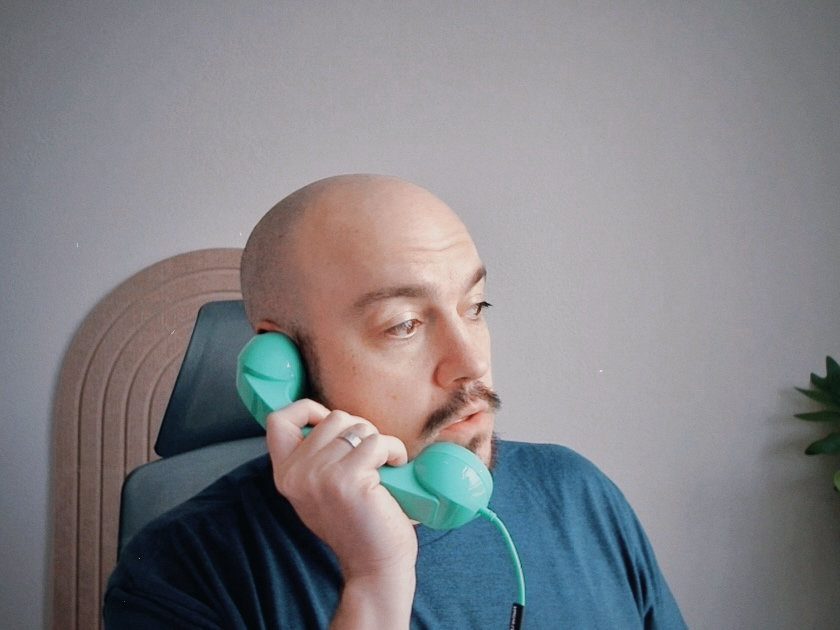
ring... ring... ring...
"YELLLLOOOO?"
I've been dictating a lot more lately with OpenWhispr, and I wanted a microphone closer to me for accuracy's sake. Then I saw this USB-C handset from Native Union (affiliate) and knew exactly what I needed to do.
The handset has one button, meant for answering and hanging up calls. I wanted that button to start and stop dictation. After a few hours, three tools, two bugs, and a fair amount of troubleshooting, I finally reached the end state I'd imagined: pick up the phone and press the button, dictation starts, I can hear myself, and if I'm listening to music, it keeps playing. It was a bit more involved than I expected, so I thought I'd share.
Everything is a phone call now
Plugging it in went about as well as you'd expect.
macOS hands your speakers and your microphone to every new USB audio device, and it doesn't ask. So the handset was my speaker and my mic for everything, all the time, not just when I was dictating. Music came out of a phone receiver lying on my desk. Anything using the default mic was listening through it too.
The button paused my music. The earpiece was silent while I talked, which made the whole thing feel dead in my hand. Once I got past those, unplugging it broke things in a way that really made me scratch my head.
Here's how I sorted each one out.
Pick up
The button sends a Play/Pause media key, the same signal as the button on a pair of wired earbuds. Karabiner-Elements, a fairly standard Mac key remapper, can catch that signal from one specific device and turn it into something else. I turned it into F18.
Dictation used to live on my right Option key, and I kept setting it off by accident. F18 is a key no keyboard I own has. Nothing else on the Mac is listening for it, so nothing else can collide with it. My keyboard's real Play/Pause still controls music. Only the handset's version gets rerouted.
The first hurdle: how do you teach OpenWhispr a hotkey you can't physically press? The answer was to let the phone press it. Once Karabiner was translating, I clicked into OpenWhispr's hotkey field, pressed the handset button, and F18 showed up. That was also the first test that the remap worked.
Later, quick taps to stop dictation weren't registering. Starting was fine. OpenWhispr is busier while it's recording, and a very short keypress can slip past it. Karabiner can hold a key down for a minimum time no matter how fast you tap, so every press now lasts at least 150 milliseconds. Long enough to count, short enough that I can't feel it.
The dead line
A real phone plays your own voice back into the earpiece, quietly. It's called sidetone. Without it, it feels like you're talking into a prop. You can't tell whether the line is live.
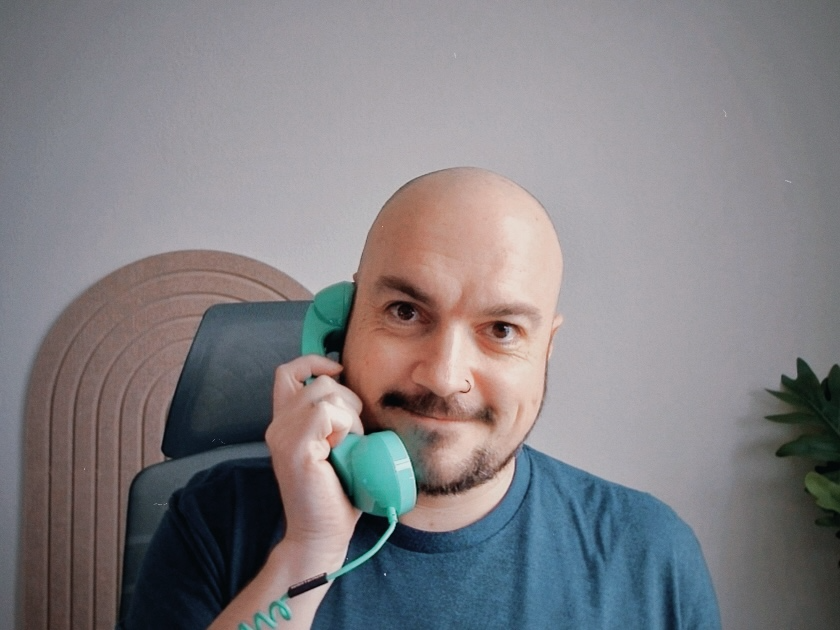
The easy solution was to use macOS's Audio MIDI Setup, which showed a "Thru" button for the Pop Phone, supposed to do exactly this in hardware. I tried it. Nothing. The earpiece worked fine (I could hear OpenWhispr's start chime through it), so the Thru button was just a checkbox the handset's audio chip ignores. Cheap USB audio hardware sometimes does that.
So the fix is software. SoX is a free little audio program, and here it has one job: listen to the handset's mic and play whatever it hears straight into the earpiece. Think of it as a very short extension cord running from the mouthpiece to the earpiece.
The first try was echoey. I'd hear myself a bit late, like talking in an empty hall. SoX passes sound along in small batches, and the bigger the batch, the longer the delay. Shrinking the batches (from 256 down to 64) cut the delay enough to make it feel like a phone.
Who's on the line
At this point, getting it to work went like this: plug in the phone, switch my speakers back from the handset, open Terminal, type out the SoX command, and leave that window open the whole time. Unplug it, remember to stop SoX. Plug it back in, do it all again. That’s definitely not how you'd expect a phone to work.
So it became a background service: a small script that macOS’s launchd runs at login and restarts ten seconds after it exits. If the phone isn’t plugged in, the script quits and launchd checks again in ten seconds. If it is, sidetone starts.
That script also deals with the speaker grab. When the phone connects, it checks whether macOS moved my audio to the handset and, if so, sends it back to my AirPods if they're connected, or to my MacBook speakers if not. If I'd picked something else on purpose, it leaves it alone.
The mic is the one thing that stays occupied. Sidetone needs the handset to be the Mac's default mic, so while it's plugged in, it uses that mic.
Leaving it off the hook
Next test: unplug the phone and make sure SoX stops too. I wanted to be sure that if I unplugged the handset, my audio would return to normal.
It didn't. SoX was still running, waiting forever for audio from a device that no longer existed. And because it never exited, launchd never restarted it, so plugging the phone back in did nothing.
So I needed a watchdog: start SoX in the background, check every three seconds whether the phone is still there, and shut SoX down when it's gone. I ran the test again. Still running.
I learned something new here: the process listing showed SoX's parent process ID as 1, meaning its parent had already exited and left it orphaned. The watchdog did its job and told SoX to quit. But SoX never got around to it. It’s like asking a coworker to leave once they finish their phone call, but the person on the other end has hung up without your coworker noticing. A plain kill is a polite request to wrap up, and a program stuck waiting on missing hardware never gets around to it. kill -9 doesn't ask. The script now asks nicely, waits a second, then insists.
Third test. Unplug, wait, check. Gone.
The switchboard
At this point, there were six different commands to remember to check it, restart it, and turn it off. They got wrapped into one: popphone status, popphone restart, popphone log. Status tells me what's running, whether the phone is detected, and where my mic and speakers are pointed. That's usually enough to know what broke.
Hanging up
Most of this project was testing. Plug it in, talk, unplug it, tap the button fast, tap it slow, read the error, try again. I started my career in QA. Apparently I never left.
Which reminds me of something I always find funny: the delta between expectation and reality in tech. Most of the software you use has been through rounds of fixes and tests before it reaches you. But no matter how solid it looks from the outside, much of it is still a house of cards, one missing semicolon away from crashing down.

Now I pick up a phone, press a button, and talk to my computer. It hears me. I hear myself, just like a real phone. When I hang up, the words are on the page.
Some links in this post are affiliate links. As an Amazon Associate, I earn from qualifying purchases (at no extra cost to you).